Canva KDP Cover Templates: Your Fast Track to Professional Book Covers
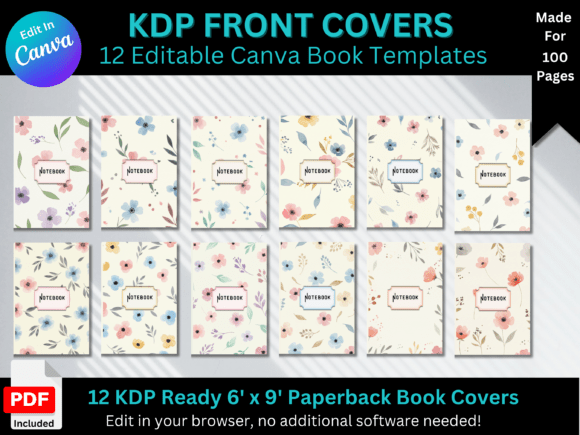
For anyone stepping into the world of self-publishing on Amazon KDP, the cover design process can feel like a major hurdle. It’s the first thing a potential reader sees, and it has to look professional, genre-appropriate, and compelling—all while meeting strict technical specifications. This is where the practical utility of a dedicated tool comes into play. Specifically, using Canva KDP Cover Templates offers a streamlined solution that bridges the gap between a raw idea and a print-ready file. These templates are pre-formatted design files built within Canva’s ecosystem, specifically engineered for the 8.5 x 11 inch dimension standard for many journals, workbooks, and book covers. They eliminate the guesswork of bleed areas, spine calculations, and safe zones, allowing you to focus purely on the creative aspect of your project.
Understanding the Anatomy of a KDP Cover
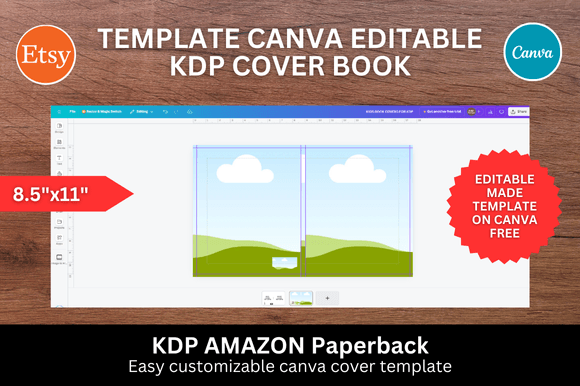
Before diving into the creative process, it's helpful to understand why these templates are structured the way they are. A book cover isn't just a front image; for a paperback or hardcover, it’s a wraparound design that includes the front cover, the spine, and the back cover. The Canva KDP Cover Templates provided in this context come pre-sized at 8.5 x 11 inches. This is a standard dimension for many low-content books, journals, and workbooks. The template handles the technical layout, ensuring that critical text and design elements are placed within the "safe zone" where they won't be cut off during printing. The visual personality of these templates is one of clean structure and organized layers. They are designed to be a neutral yet professional foundation, ready to absorb your unique branding, imagery, and typography without conflict. They are not about flashy, pre-designed graphics that limit you, but rather about providing a correct, reliable canvas.
From Blank Canvas to Branded Product in Seconds
The core appeal of this approach is the dramatic reduction in production time. Traditionally, designing a KDP cover requires graphic design software with a steeper learning curve and manual setup of dimensions. With these templates, the process is simplified to a drag-and-drop experience. You upload your own images—perhaps a custom illustration, a stock photo, or a branded pattern—and drop them directly onto the template's placeholders. This is particularly valuable for entrepreneurs and small business owners creating branded workbooks, planners, or lead magnets. The template ensures your final product looks consistent and polished, reinforcing your brand identity from the very first touchpoint. It’s a practical application of modern typography and layout principles, made accessible to everyone, regardless of their design background.
Practical Applications Across Creative Fields
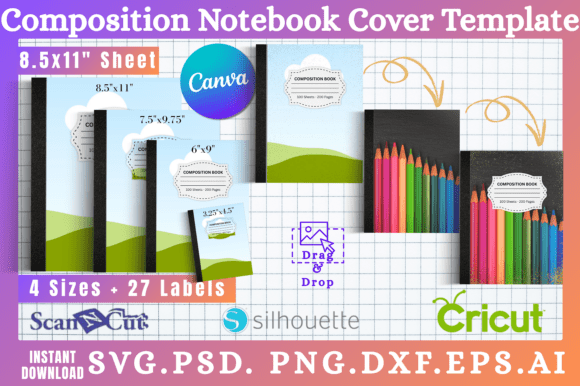
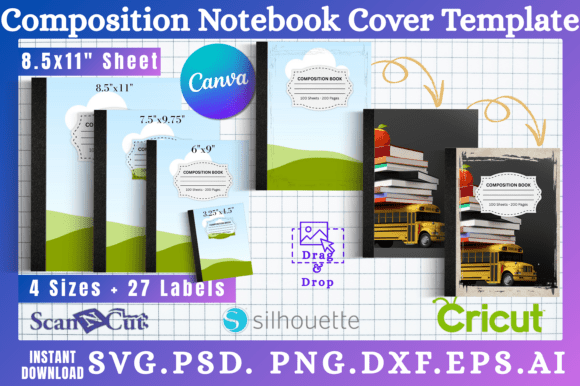
The versatility of a well-structured Canva KDP Cover Template extends far beyond simple journal creation. For content creators and bloggers, these templates are perfect for designing companion workbooks or printables that can be sold or offered as subscriber incentives. Marketers can use them to create professional-looking report covers or presentation handouts that elevate the perceived value of their content. The 8.5 x 11 inch format is also ideal for creating custom interior pages, such as notebook paper or activity sheets, that complement the cover design. The key is to view the template not as a finished product, but as a design asset—a starting point that you customize to fit the specific personality and purpose of your project. Whether you're aiming for a minimalist, corporate feel or a vibrant, playful aesthetic for a children's activity book, the template's neutral structure supports your vision.
Key Considerations for Effective Customization
While the template provides the framework, your choices in customization will determine the final impact. Here are some practical tips for working with these assets:
- Typography is King: The fonts you choose for your title and subtitle are critical. Pair a strong, readable display font for the title with a cleaner sans serif font or serif font for the subtitle and back cover text. Canva offers a vast library of free fonts, but for a more unique look, you can upload a premium font you've licensed. Ensure your text has high contrast against the background for readability.
- Image Quality and Placement: When you drag and drop images, ensure they are high-resolution (300 DPI for print). Use the template's frames to crop images effectively, focusing on the most compelling part of the visual. For full-bleed images, make sure they extend to the edges of the template's bleed area.
- Color and Consistency: Use a color palette that aligns with your book's genre or your brand's existing colors. Consistency in color and style between the front cover, spine, and back cover creates a cohesive and professional book cover design.
- Back Cover Matters: Don't neglect the back cover. Use it for a compelling description, a brief author bio, or a call to action. The template will have a designated space for this, often including a placeholder for the ISBN barcode.
A Tool for Efficiency and Professionalism
Ultimately, the value of using Canva KDP Cover Templates lies in their ability to democratize professional design. They provide a structured, error-proof starting point that saves hours of time and frustration. For the hobbyist crafter making a personalized gift, the entrepreneur launching a niche workbook, or the publisher managing a series of low-content books, these templates are a practical solution. They allow you to produce a polished, market-ready product efficiently, so you can spend less time wrestling with design software and more time sharing your content with the world. The result is a stronger first impression, a more credible product, and a smoother path from creation to publication on Amazon KDP.